Author: Ziyu Yang

  • FMP 14-Final Headset Test — Completing the Circle

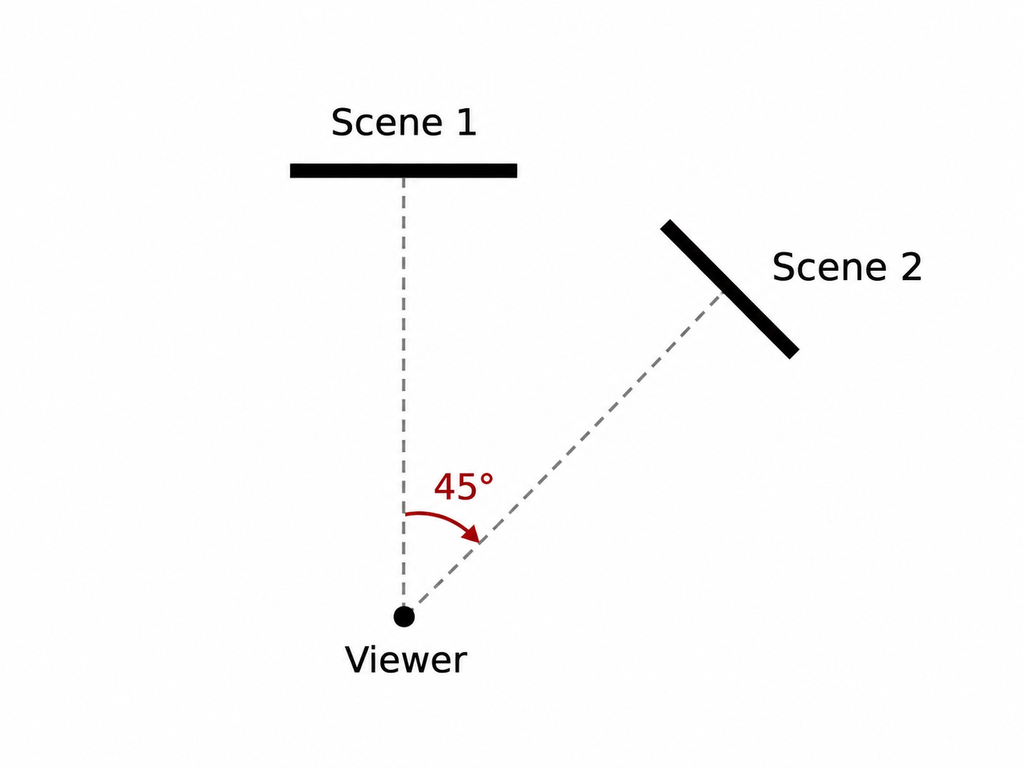
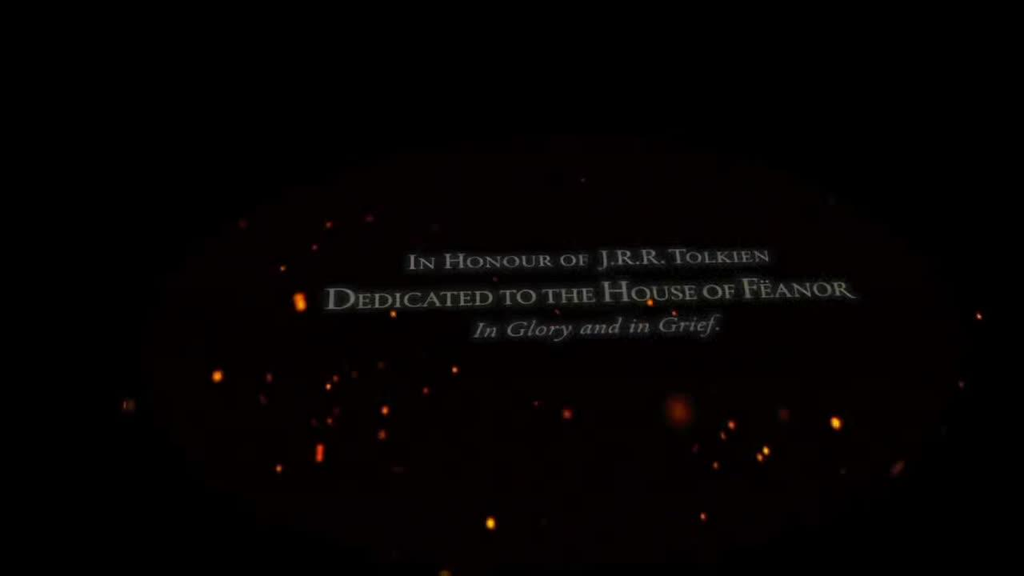
    For my final test, I ran the full experience on the Meta Quest 3, from the opening dedication to Fëanor’s death. I placed the eight scenes around the viewer, with each new scene appearing 45 degrees clockwise from the previous one. I stayed in the centre of the virtual theatre and turned to follow the story. I paid particular attention to the transitions, checking whether I could find the next image in time to read its first subtitle and follow the narration.

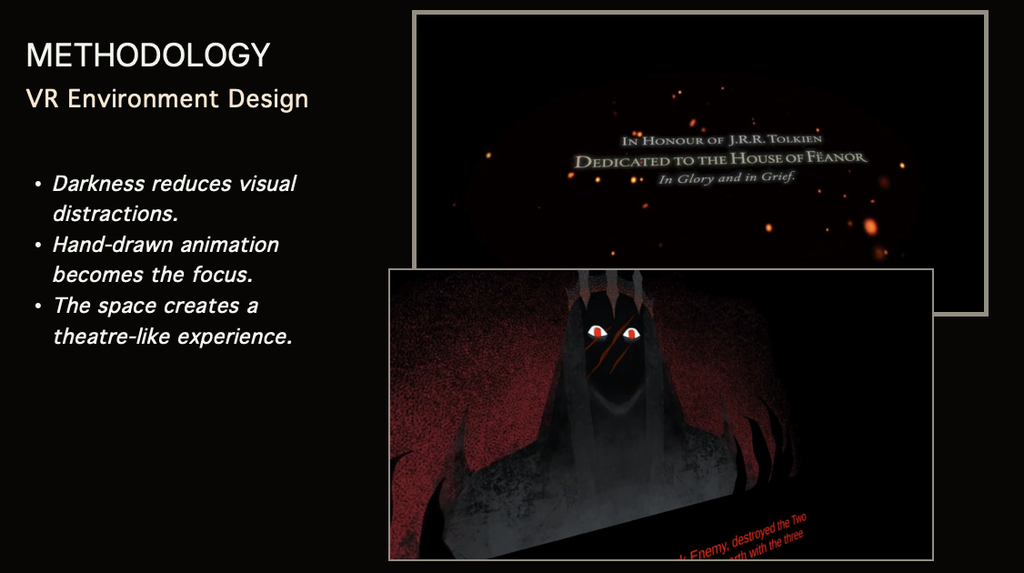
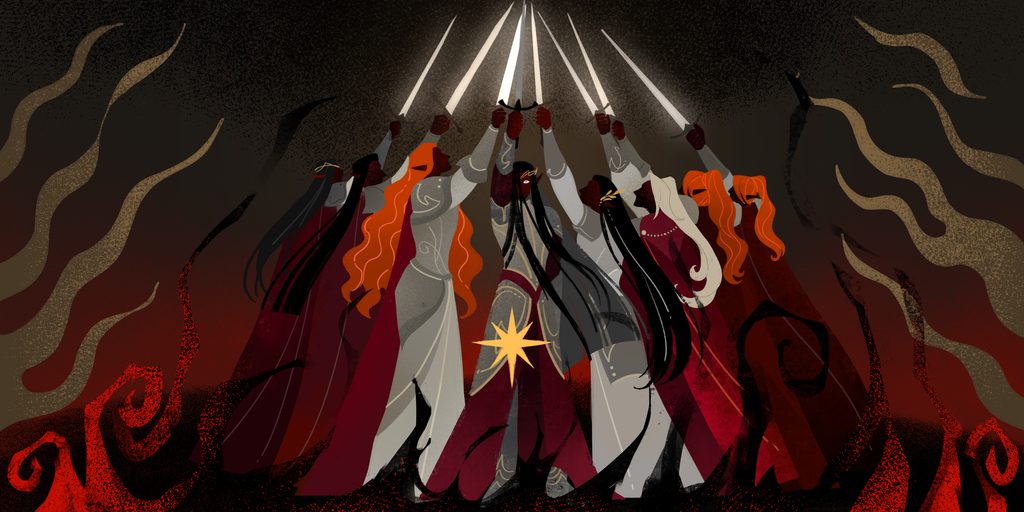
    The moment I cared about most came after the battle. Turning back towards the opening position completed the circle and brought me around to where the dedication to the House of Fëanor had appeared. At the beginning, those words introduced a family. By the end, Fëanor had died, and his sons still carried the oath. That return gave the experience the ending I wanted.
  • FMP 13-Choosing Music and Sound Effects

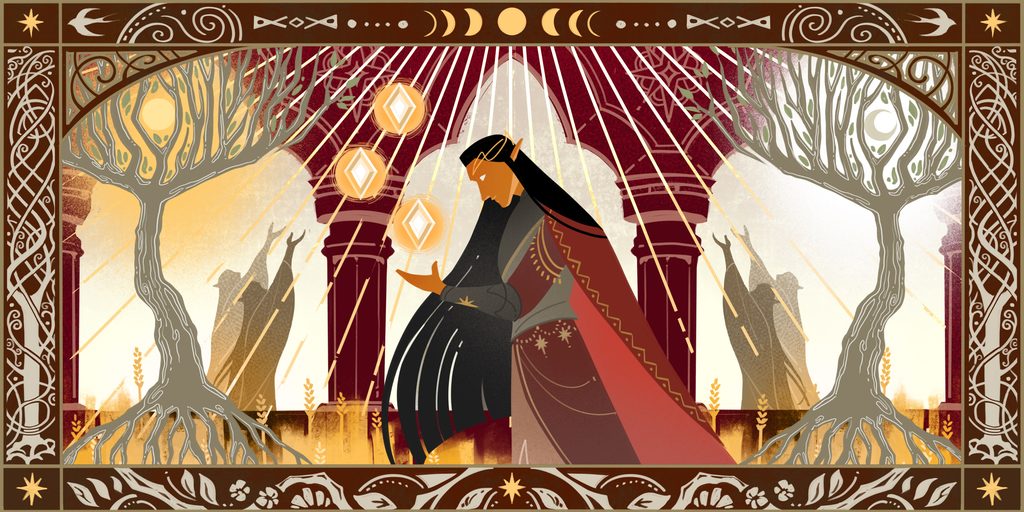
    This week, I chose music for three scenes in The Fëanorians. For the scene where Fëanor creates the Silmarils, I used We All Come from the Goddess. The melody repeats as the light from the Two Trees slowly gathers inside the jewels. The chant gives the scene a sense of ritual and gives the viewer time to look at the light in Fëanor’s hands and see why the jewels mean so much to him.

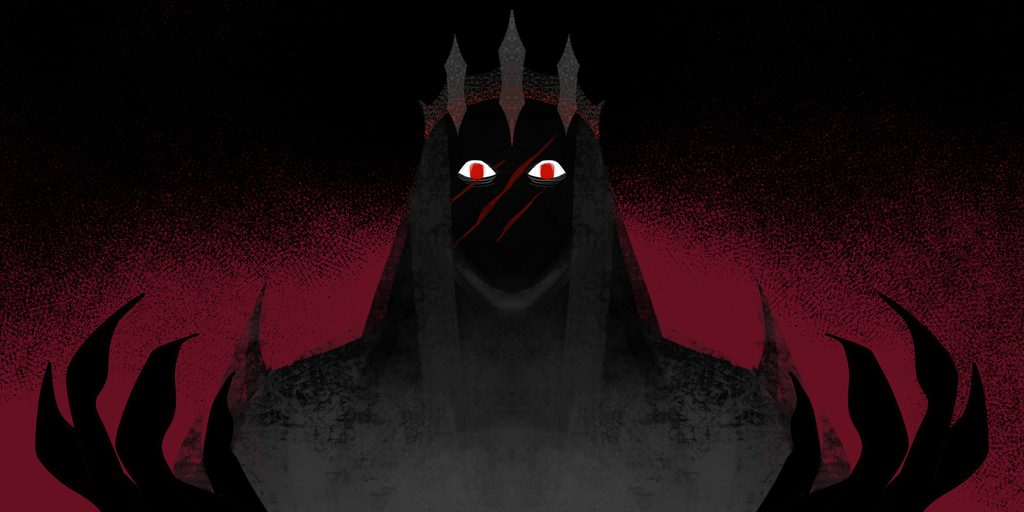
    When Melkor appears, I switch to music with a shamanic feel. I timed the change to the moment he enters the scene. I wanted the viewer to hear the danger before the killing begins.

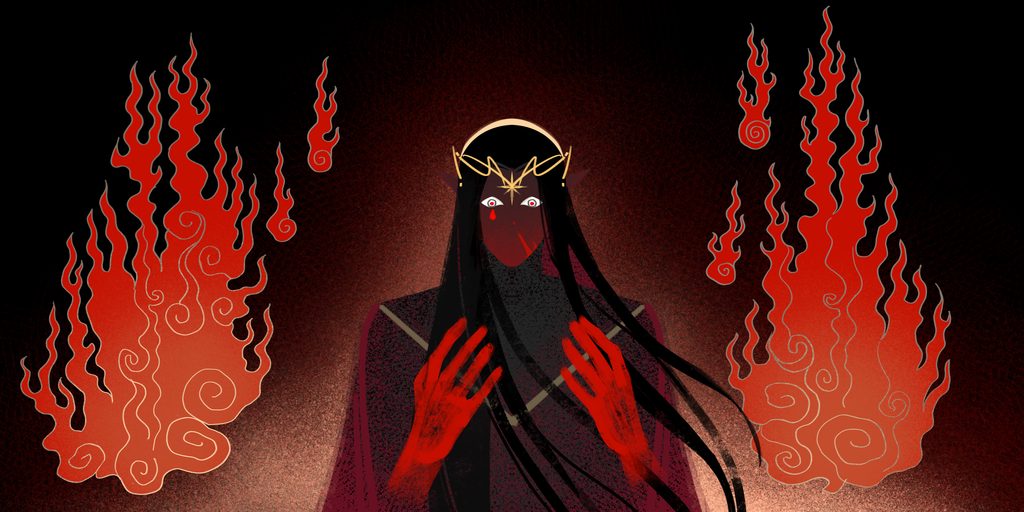
    For the Battle Under the Stars, I chose music inspired by the battle scenes in The Lord of the Rings and Game of Thrones. The music plays throughout the battle. I added the sound of weapons clashing as the two armies meet, then the sound of fire as Fëanor faces the Balrog. In that final image, the viewer hears the flames around Fëanor as he raises his sword. The focus shifts from the whole battlefield to one figure.

  • FMP 12-Final Crit and Testing the First Half on Quest 3

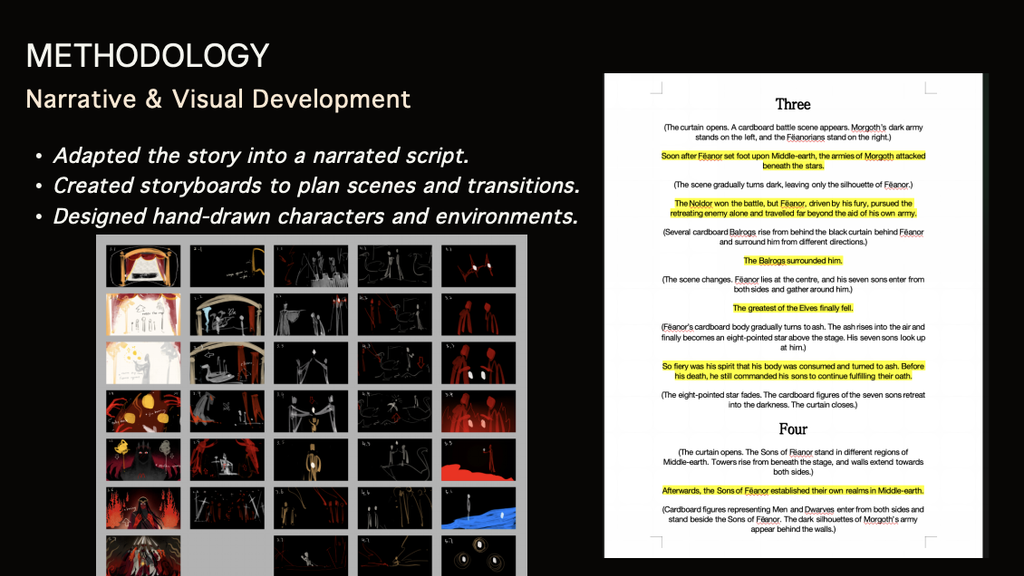
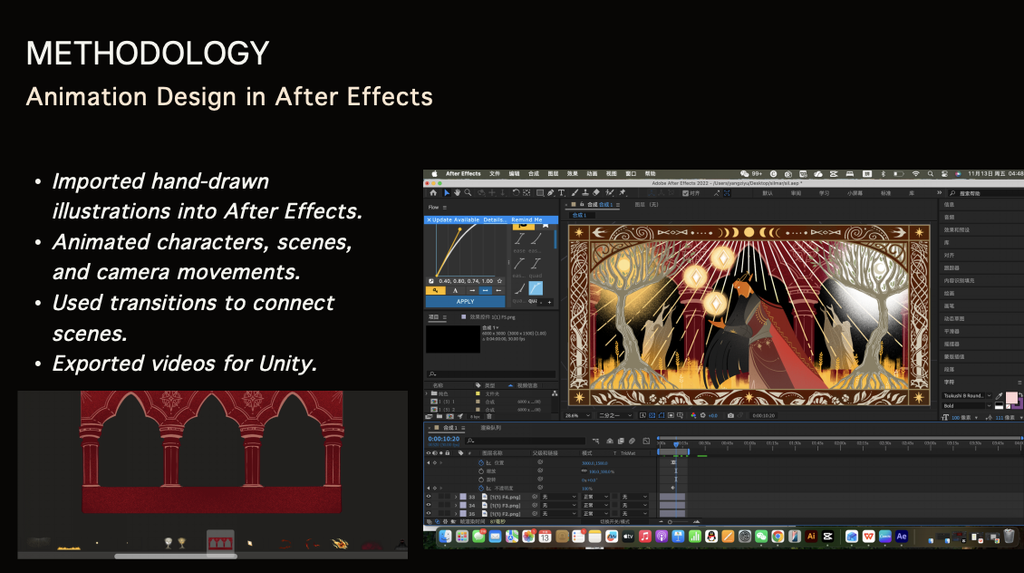
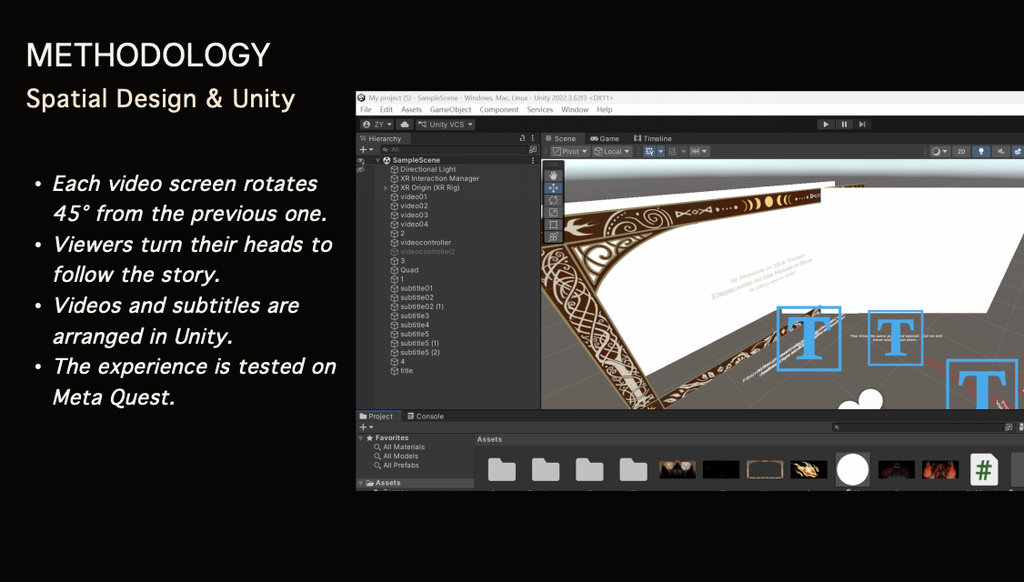
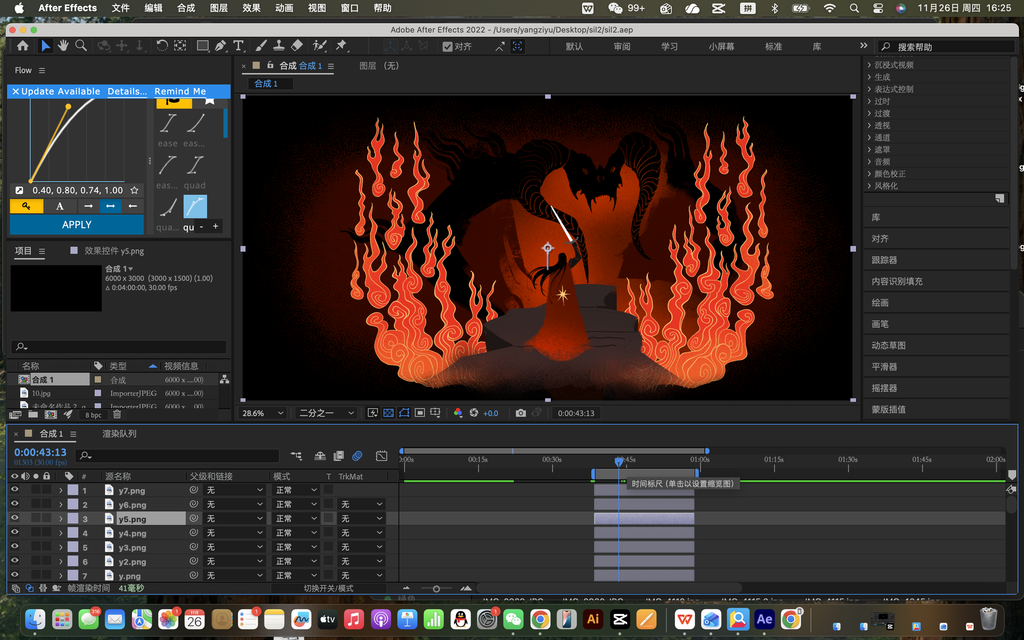
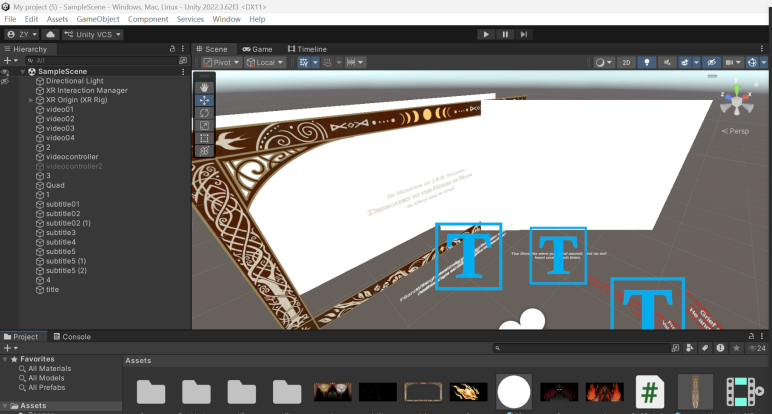
    This week, I presented my progress on The Fëanorians at the Final Crit. I used my storyboard to show which parts of the story I had chosen to tell. With screenshots from After Effects, I showed how placing the characters between the foreground and background gave each illustration a sense of depth. I then showed how I had arranged the screens in Unity so the viewer could turn to follow the story. I ended the presentation by showing how the first four scenes looked in the headset.

    I watched all four scenes in order on the Quest 3. When the first scene appeared, I checked that I could see the whole frame. I turned my head to one side to check that the screen stayed in place. When the next scene began, I turned about 45° to the right to find it. I noticed that I could already hear the narration while I was turning. By the time I found the screen, I had less time to read the first subtitle.

    I placed the subtitles just below the image and slightly closer to the viewer. I checked each scene to make sure I could read the words and still see the characters clearly. For the second half, I plan to use the same screen spacing and subtitle positions as a starting point, then play each pair of scenes together to check the timing of the turn.

  • FMP 11-Animating the Second Half in After Effects

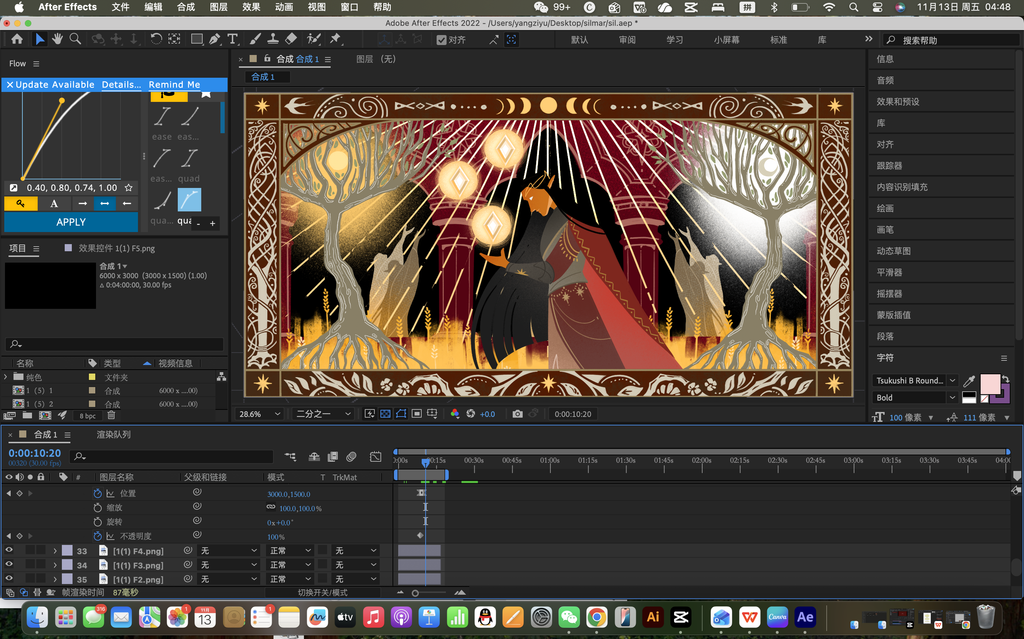
    This week, I imported last week’s illustrations into After Effects as separate layers. I worked on the scenes from the harbour to Fëanor’s death. My main focus was timing. I listened to the narration to decide how long to hold each image and when to begin the next action.

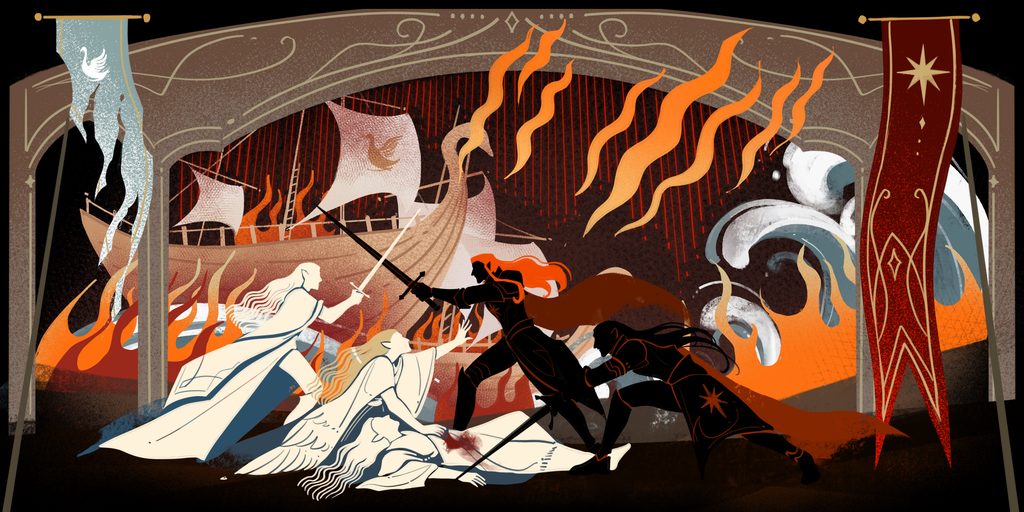
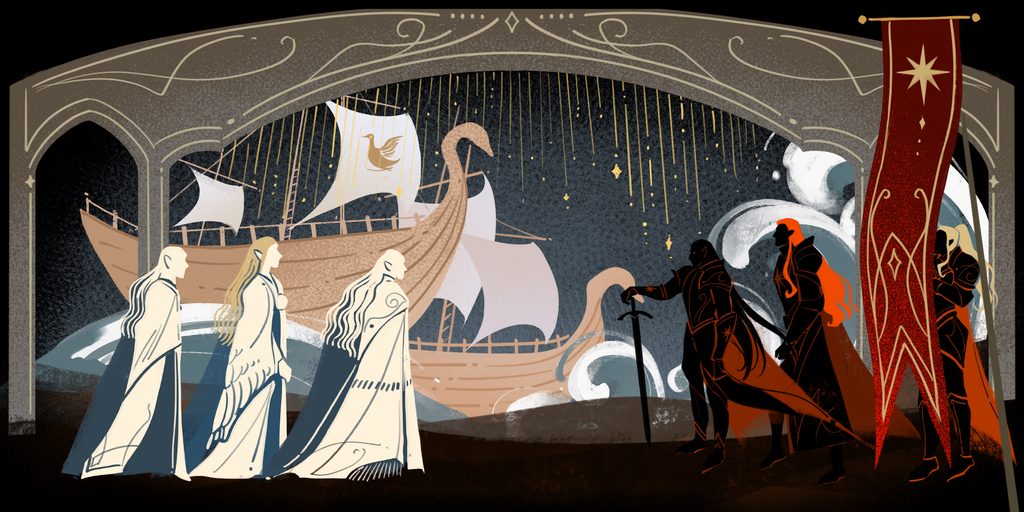
    At the harbour, I held the image of the two groups facing each other so the viewer had time to notice the white ships behind the Teleri. When the narration reached the moment the Elves first drew their swords against their own people, I cut to the image of overlapping figures and crossed weapons. The pause before the cut gave the viewer a moment to see what the Teleri were trying to protect.

    For the Battle Under the Stars, I placed three moments on the timeline in order: the two armies fighting, Fëanor chasing the enemy alone, and Fëanor facing the Balrog. I used quicker cuts during the battle. When Fëanor raised his sword, I held the image longer so the viewer could pick out his small figure among the flames. I then played the whole sequence with the narration to check that the pace slowed naturally as the story moved from the battlefield to Fëanor alone.

  • FMP 10-Drawing the Second Half of the Story

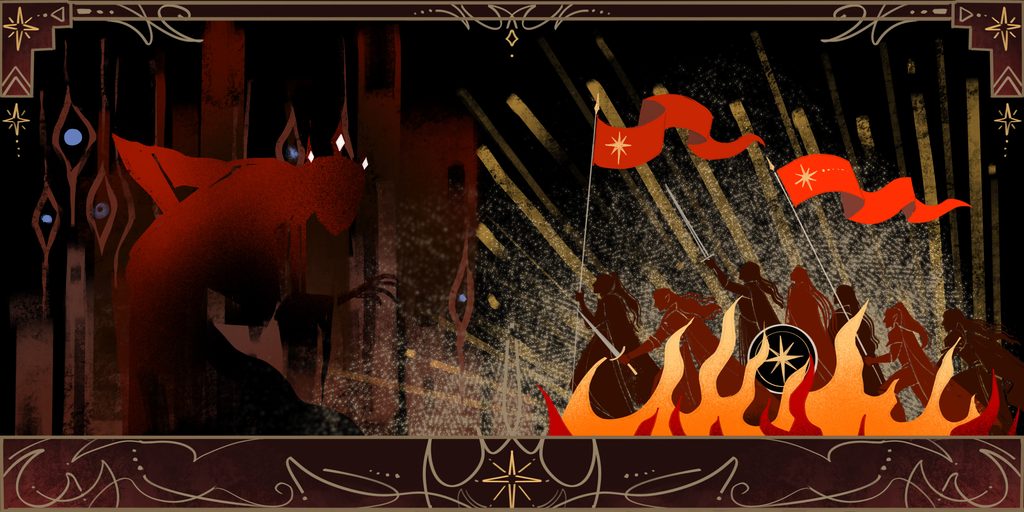
    This week, I worked on the illustrations for the second half of my storyboard. These scenes show the fight over the ships at the harbour, the Battle Under the Stars, and Fëanor facing a Balrog.

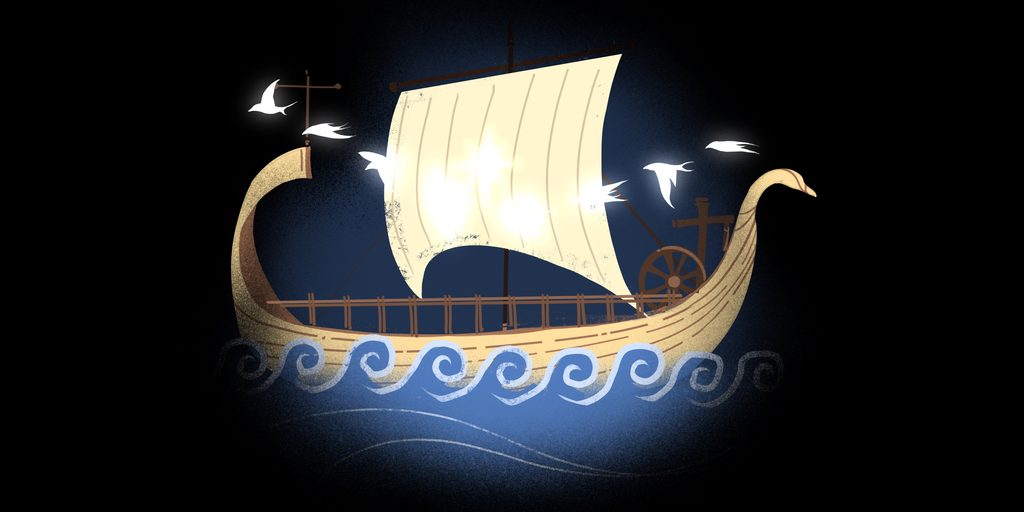
    For the harbour scene, I wanted the viewer to understand what each group wanted before anyone drew a sword. I placed the white ships behind the Teleri as they faced Fëanor and his followers. This made it clear that the Teleri were protecting their ships. Once the fighting began, I drew the weapons crossing and the figures overlapping. The gap between the two groups disappeared.

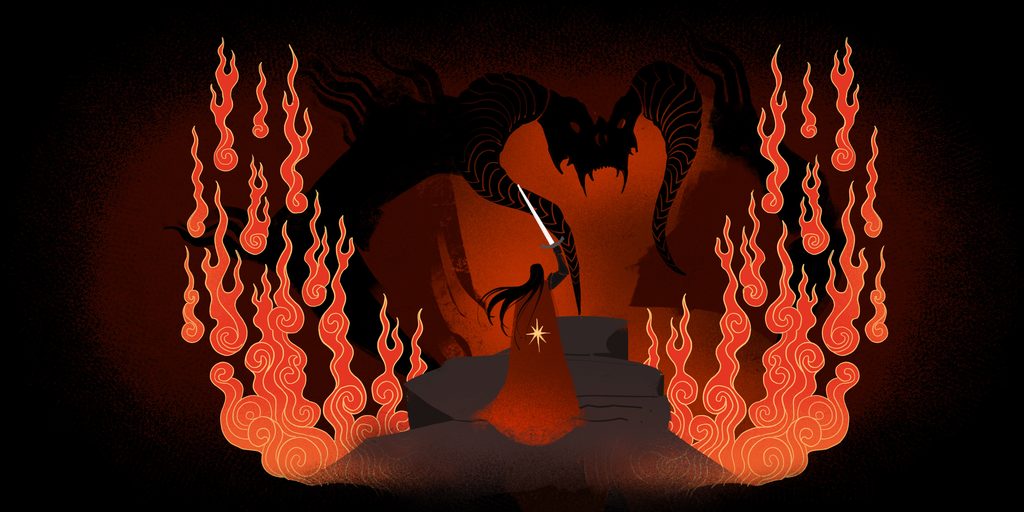
    As Fëanor left the battlefield to chase the enemy alone, I shifted the focus from the two armies to a single figure. I spent the most time thinking about the image of him facing the Balrog. Fëanor stands on a rock with his sword raised. The Balrog leans over him, its dark shape framed by orange flames on both sides. I wanted the viewer to notice the difference in their size, then spot the sword still raised in Fëanor’s hand. Even in a still image, that small gesture shows him choosing to fight.

  • FMP 09-Using Transparent PNGs and Adding Subtitles in Unity

    This week, I tried to export my foreground animations with a transparent background, but the files were too large and the export failed. I decided to give the main videos a black background so they would blend into the dark theatre. I saved the foreground elements as separate transparent PNG images and placed them in Unity.

    In one scene, I wanted a bird to appear in front of the main image. I placed the bird PNG slightly in front of the video screen and set when it would fade in and out. Keeping it on its own layer meant I could move it or change its timing without exporting the whole video again.

    I also added subtitles for the narration. I placed them below the image and slightly closer to the viewer than the video screen. Each line fades in and out to match the spoken words. I checked the scene in the headset and adjusted the height and timing of the text so the viewer could read it while keeping the characters in view.

  • FMP 08-Testing Viewing Distance and Turning Angles in Unity

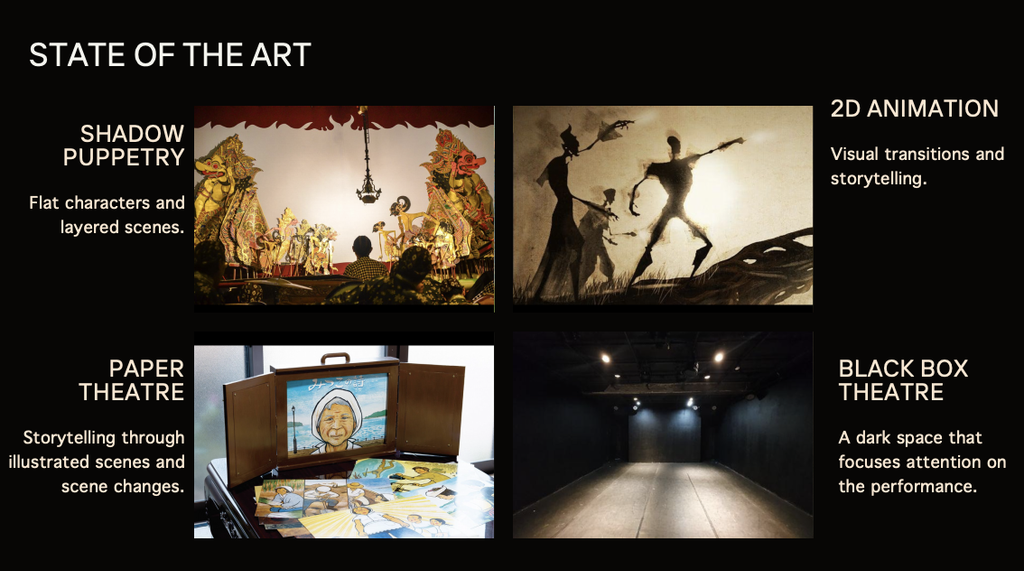
    This week, I placed my animated clips on screens in the black box theatre in Unity. I started with one screen directly in front of me and tried different distances in the headset. When the screen was too close, it was hard to see the whole frame at once. When it was too far away, small details like a character’s movement or the light from the Silmarils were harder to see. I wanted the viewer to see the edges of the stage and still have a clear view of the action.

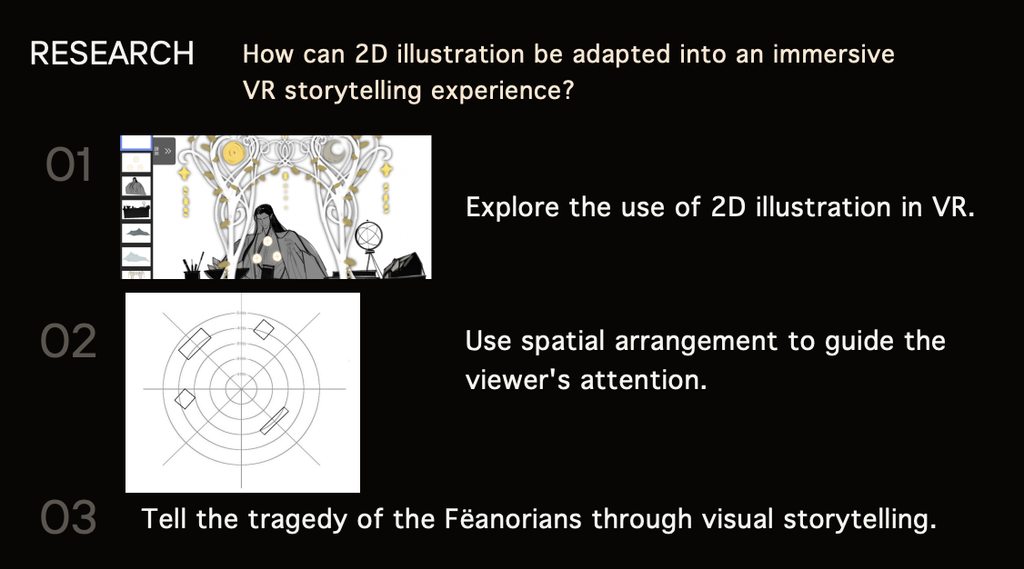
    Next, I placed a second screen to the right of the first and replayed the change between the two scenes. From my position in the centre, a turn of about 45° felt comfortable. When the first scene ended, I could turn my head to the right and find the next one easily. The turn also gave me a clear sense that the performance had moved to another part of the theatre.

    Based on this test, I chose to place each new screen about 45° to the right of the one before it. The screens stay fixed in the theatre, so the viewer can follow the story from one spot by turning their head.

  • FMP 07-Animating the Illustrations in After Effects

    This week, I started planning how to animate my illustrations. I will save the foreground, characters and background of each scene as separate layers and bring them into After Effects. This will let me animate a small movement, such as a character raising an arm, while the scenery stays still. I want the characters to feel like paper figures on a stage.

    For my first test, I plan to use the scene where Fëanor creates the Silmarils. I will place the light in his hands on its own layer and let it slowly grow brighter. The rest of the scene will stay still so the viewer’s attention goes to the jewels as they appear.

    Once each scene is ready, I will export it as a video and place it on a screen in the black box theatre in Unity. The screens will sit around the viewer, who can turn to follow each scene in order. I will also check how the light looks in the headset and adjust its brightness and timing.

  • FMP 06-Choosing the Ending and Starting the Illustrations

    This week, after talking with my tutor, I decided to end my VR story with Fëanor’s death. I liked the way my full storyboard began and ended. At the start, Fëanor makes the Silmarils. At the end, his sons finally hold those same jewels, but the jewels burn their hands. For someone new to The Silmarillion to understand that ending, I would have to introduce several generations of characters and show how the jewels passed from one person to another. That would leave too little time for each scene.

    Ending with Fëanor’s death means the viewer can follow one person’s story from beginning to end. Fëanor makes the jewels, loses them and swears an oath to get them back. At the harbour, he draws his sword against his own people. Later, in Middle-earth, he chases the enemy alone and is surrounded by Balrogs. I like this ending because the viewer has seen how the oath shapes his choices. His story ends here, but his seven sons have made the same promise and must carry it with them.

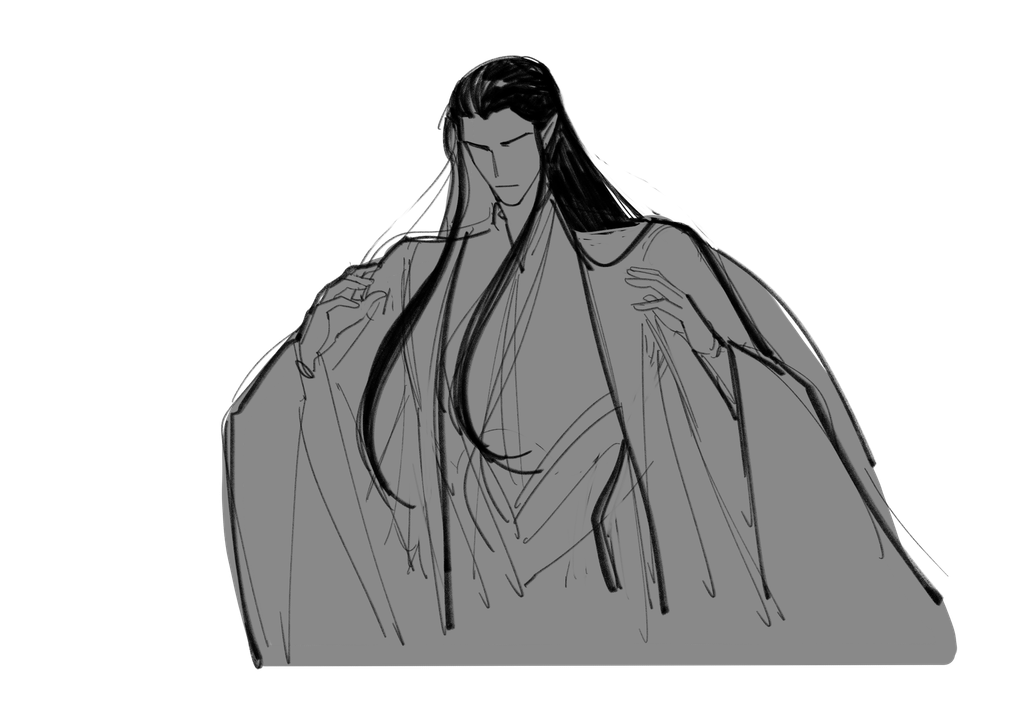
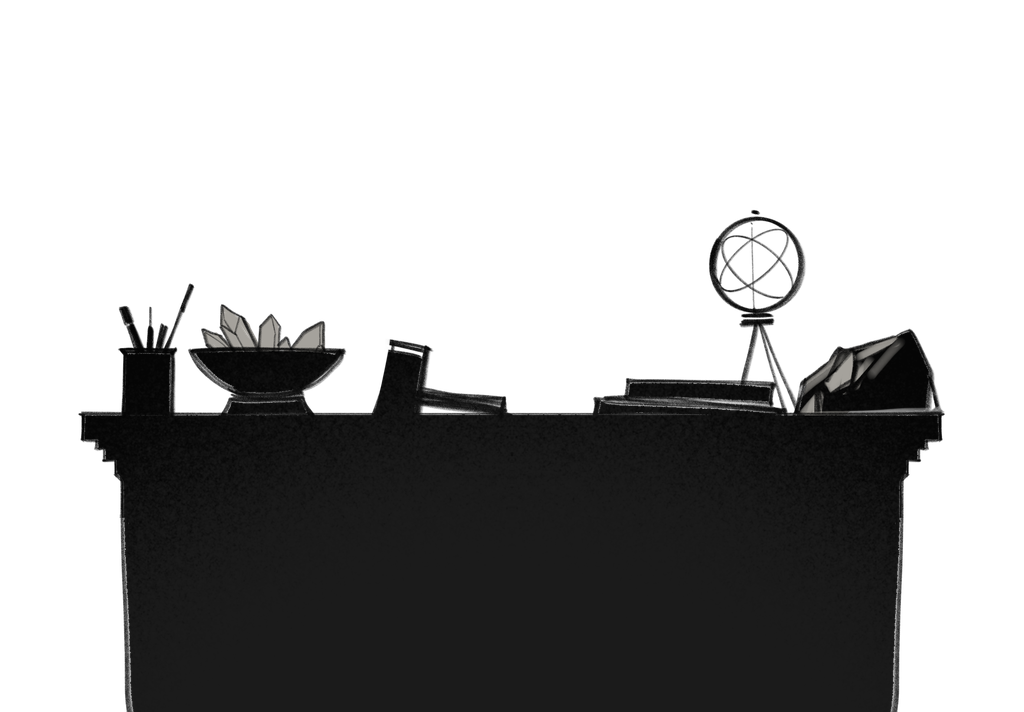
    Once I chose the ending, I picked out the scenes I wanted to keep and started drawing the illustrations. Last week’s test in Mental Canvas helped me think about each drawing as a small paper stage. As I sketched, I asked myself: where should each character stand? What could I partly hide behind a shape in the foreground? Which action did the viewer need to see at a glance?

  • FMP 05-Testing Layers in Mental Canvas

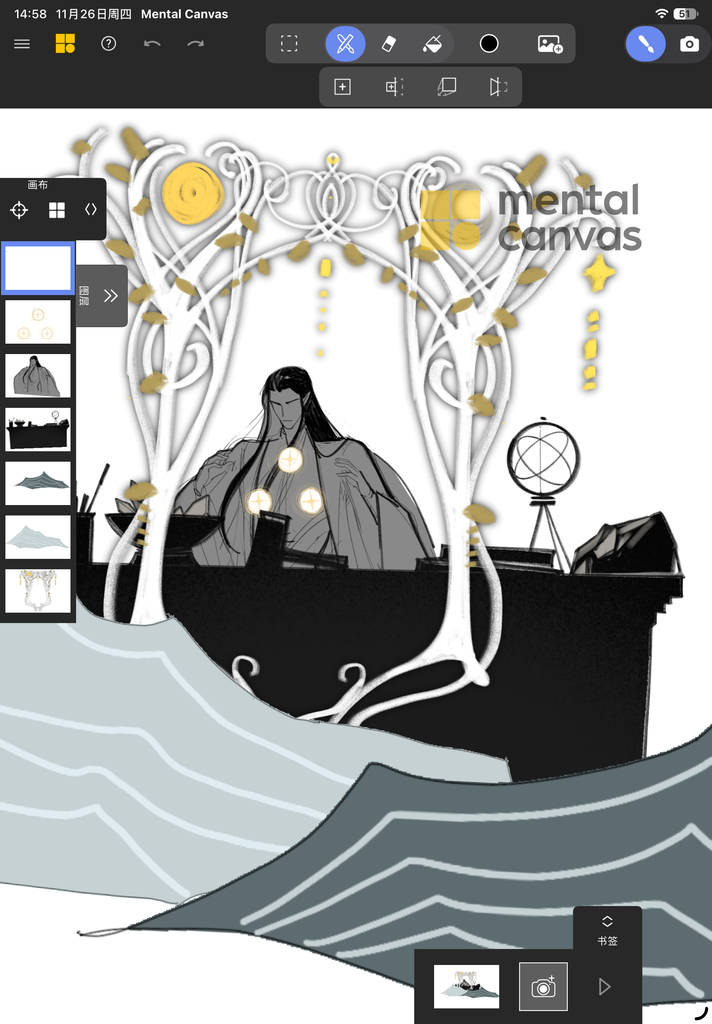
    After finishing the storyboard, I used Mental Canvas on my iPad to test one scene. I wanted to see how the drawing would look from different angles if I placed the foreground, characters and background on separate layers.

    I wanted the scene to feel like a paper theatre. Each layer would still look like a flat drawing, but the characters could stand in front of the scenery, and a shape in the foreground could partly hide a figure behind it. I wanted to see whether this would give the scene a sense of depth. The test helped me think about which parts of my storyboard needed their own layer and which could stay in the background.