This week, I tried to export my foreground animations with a transparent background, but the files were too large and the export failed. I decided to give the main videos a black background so they would blend into the dark theatre. I saved the foreground elements as separate transparent PNG images and placed them in Unity.
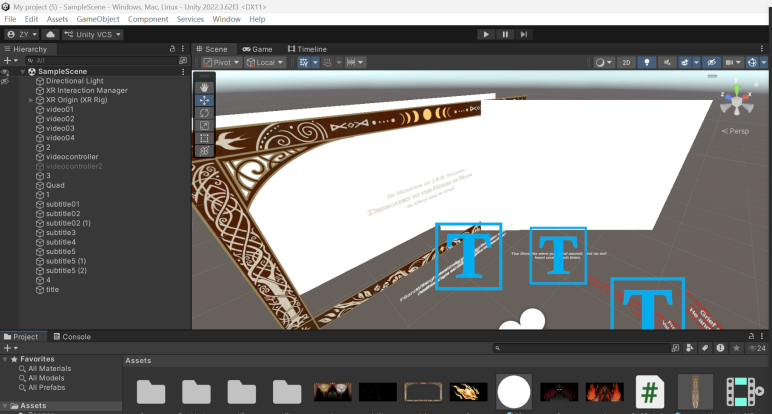
In one scene, I wanted a bird to appear in front of the main image. I placed the bird PNG slightly in front of the video screen and set when it would fade in and out. Keeping it on its own layer meant I could move it or change its timing without exporting the whole video again.
I also added subtitles for the narration. I placed them below the image and slightly closer to the viewer than the video screen. Each line fades in and out to match the spoken words. I checked the scene in the headset and adjusted the height and timing of the text so the viewer could read it while keeping the characters in view.
Leave a Reply